
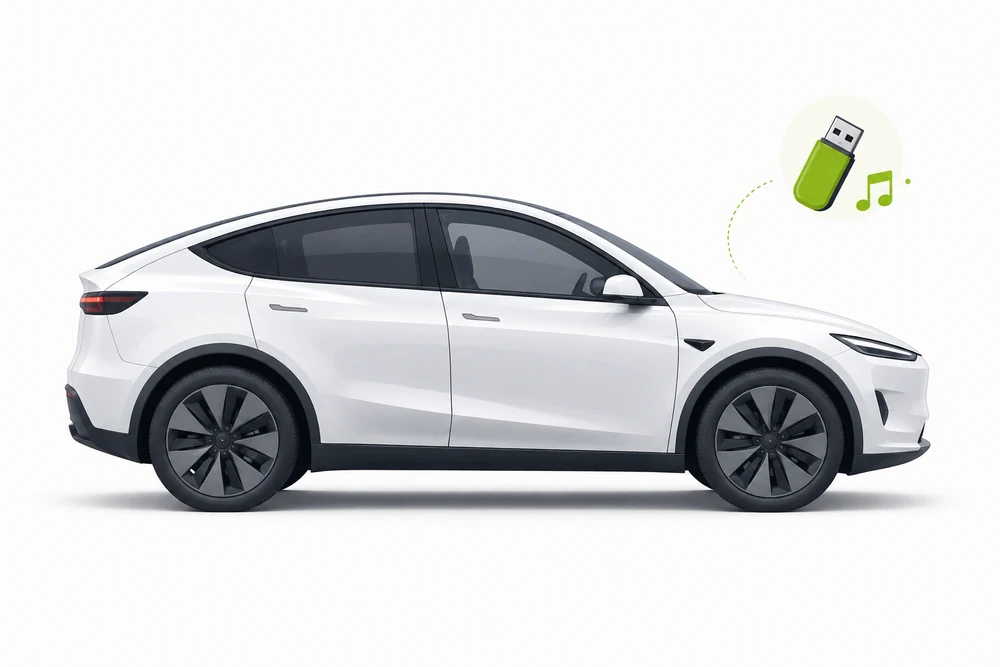
Fix USB music in your Tesla Model Y.

Choose your model year to see factory-manual-based USB music guidance. Confirm the exact radio and trim in your owner's manual.

Guide checked and updated July 2026

Tesla Model Y profile

Find your Model Y settings

Select the closest year range, then confirm the exact radio in your owner's manual.

USB format & sizeCurrent manual supports exFAT; NTFS is not supported
Radio systemUpdated port layout; some console ports charge only
Audio formatsUSB flash drives; MP3 is a safe test format
Folder setupKeep folders shallow for the first test
Check my music free

No payment Windows 10 & 11

Model Y guidance selected. Confirm the exact settings in your factory manual.

Your 2022–2024 Model Y USB setup

Use these year-range recommendations as a starting point and confirm the exact system in your factory manual.

USB format & sizeCurrent manual supports exFAT; NTFS is not supportedTreat this as a starting point; verify drive limits in the owner's manual.
Audio formatsUSB flash drives; MP3 is a safe test formatUSB4Car converts unsupported music when needed.
Radio systemUpdated port layout; some console ports charge onlyEquipment varies by trim; confirm your exact infotainment system.
Folder setupStart with one shallow folderFolder and indexing limits depend on the radio; check its owner's manual.

What's going wrong?

Common Tesla Model Y USB music problems and how to fix them.

USB is not listed in Model Y Media Player Manual-based troubleshooting

Why it happens: The vehicle may be using a charge-only port, or the connected device may not be a USB flash drive.

The fix: Use a flash drive in a front data port. On some vehicles built after approximately November 1, 2021, use the glovebox USB port for media and other data functions.

The USB drive works on a computer but not in Model Y Manual-based troubleshooting

Why it happens: Tesla's current manual supports exFAT and says NTFS is not supported. Model Y's USB media source recognizes flash drives only.

The fix: Back up the drive, format it as exFAT and copy the audio files back. Do not use an NTFS-formatted drive for USB media.

A rear USB port charges but cannot play music Manual-based troubleshooting

Why it happens: The rear USB connections are for charging only; they are not media ports.

The fix: Move the drive to a front USB port that supports data. For affected vehicles with charge-only console ports, use the glovebox USB-A port.

Dashcam storage and music are on the same drive Manual-based troubleshooting

Why it happens: Dashcam video can take substantial space, and Tesla uses specific folders or partitions for USB functions.

The fix: Keep music in its own folder. If the same exFAT drive is used for Dashcam, follow Tesla's instructions for separate folders or partitions and leave enough free space for video.

For problems shared across every Tesla model, see the Tesla USB guide.

Check and prepare your music.

USB4Car can check your music and prepare compatible audio files. Confirm your exact vehicle is listed in the app before choosing model-specific settings.

Check my music free $19.99 after your free check

Tesla Model Y USB questions

What format should a Model Y music USB drive use?

Tesla's current Model Y manual supports exFAT and says NTFS is not supported. Use a flash drive, not another type of USB device. Earlier vehicles or software can differ, so check the manual for your Model Y.

Where do I plug in a USB music drive in a Model Y?

Use a front USB port that supports data. The rear ports are for charging only. On some vehicles made after approximately November 1, 2021, use the glovebox USB port because the center-console ports may only charge devices.

Can a Model Y play music from any USB device?

Tesla's manual says Model Y recognizes USB flash drives for USB media. For other devices, use Bluetooth instead.

Can I use one USB drive for music and Dashcam?

Tesla's USB-drive instructions allow one drive for audio and Dashcam/Sentry Mode when its folders or partitions are set up as instructed. Video storage can reduce the space available for music.

Owner's manuals and source references

USB support depends on the vehicle's year, trim and infotainment system. Check the factory manual for your exact vehicle.