Toyota Tundra USB Music: Formats, Problems and Fixes

Tundra owners load up serious music collections for serious miles — and then hit the 32 GB wall on trucks built before 2022. Here's what each Tundra generation reads, and how to get a work truck's worth of music playing without gaps.

Guide checked and updated July 2026

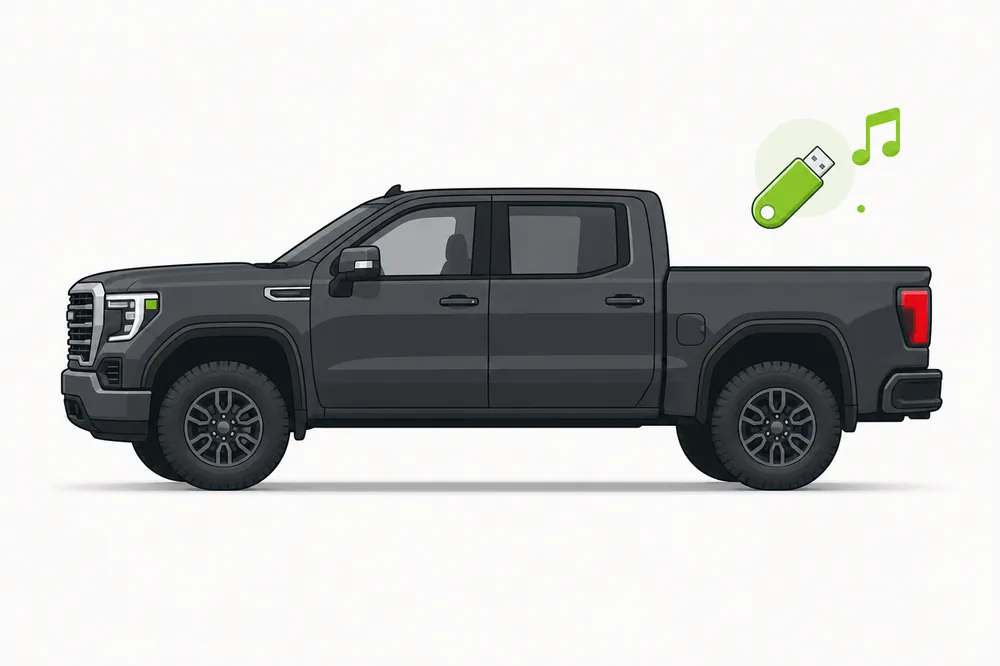
Illustration of a Toyota Tundra with a USB music stick
The short answer

Tundra 2007–2013: FAT32 stick, MP3 or WMA files, keep it at 16–32 GB. Tundra 2014–2021: FAT32, 32 GB max, adds AAC. Tundra 2022 and newer: the new Audio Multimedia system reads exFAT sticks up to 256 GB and plays FLAC and WAV.

What USB music formats does the Toyota Tundra support?

It depends on the generation — find your model years:

Model years Radio system Plays USB stick
2007 – 2013 Early USB radios MP3, WMA FAT32, 16–32 GB
2014 – 2021 Entune 2 / 3 MP3, WMA, AAC FAT32 only, 32 GB max
2022 + Toyota Audio Multimedia MP3, AAC, WMA, FLAC, WAV FAT32 or exFAT, up to 256 GB

Not sure which radio you have? Go by the model year — or check the general rules in the Toyota USB music guide.

My Tundra won't play music from USB

The Tundra-specific causes, each with its fix.

A 128 GB stick full of music shows nothing

The fix: Pre-2022 Tundras don't read exFAT — and every stick over 32 GB ships as exFAT. Either use a 32 GB FAT32 stick, or reformat the big stick as FAT32 (works, but 32 GB of music is the radio's practical limit anyway).

The radio indexes for minutes every morning

The fix: Thousands of files in deep folder trees make the radio re-scan slowly on every start. Flatten the folders (Artist → Album), remove non-music files, and indexing drops to seconds.

Audiobooks and podcasts play in the wrong order

The fix: Same file-name sorting as the music: chapters need two-digit numbers at the start of each file name — 01, 02, 03 … — to play in sequence.

These are the Tundra-specific ones — the Toyota guide covers the problems shared by every Toyota: USB not detected, endless indexing, “Unknown” titles, file limits and more.

Make your Tundra play everything.

Pick “Toyota Tundra” in the app and it applies exactly these rules: the right stick setup for your model year, only the necessary conversions, name tags repaired and songs in the right order. The free trial shows what it would fix before you pay.

Toyota Tundra USB questions

What USB format does a 2019 Tundra need?

FAT32, on a stick of 32 GB or less, with songs as MP3, WMA or AAC. The 2022 redesign is the first Tundra that reads exFAT.

How much music fits on a Tundra USB stick?

On pre-2022 trucks the practical limit is a 32 GB FAT32 stick — roughly 7,000 MP3s at good quality, which is also near the radio's file limit. 2022+ Tundras handle 256 GB sticks and much larger collections.