 USB4Car
Car only shows some songs from USB? Here's where the rest went.
The stick works, music plays — but whole albums are missing, and the radio never says why. It didn't lose your songs. It's silently skipping everything it can't handle, and it always has a reason. Here are the five, with a fix for each.
Guide checked and updated July 2026
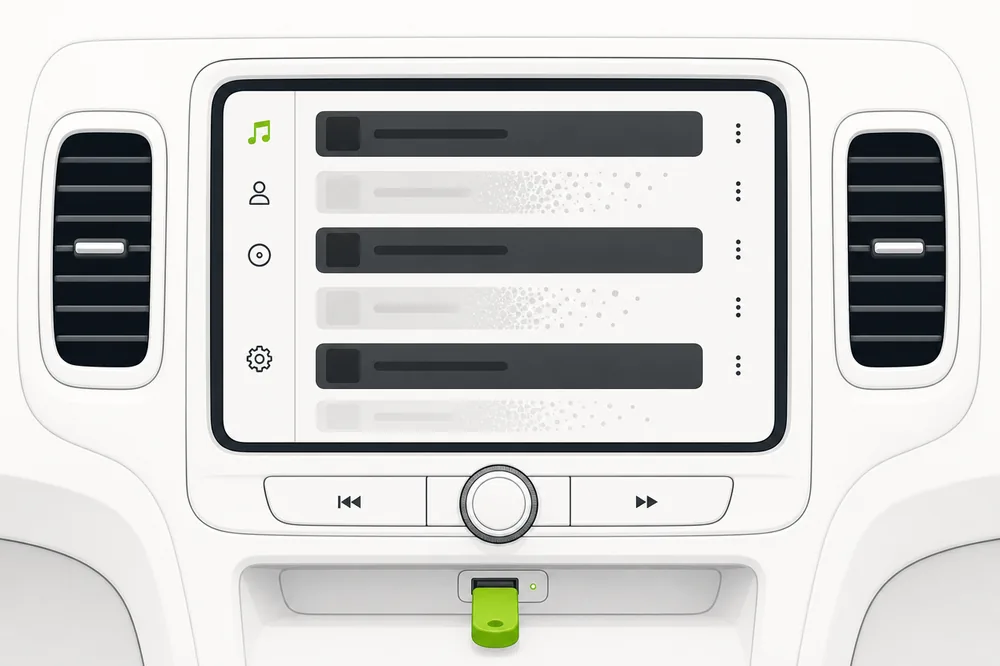
Car radios skip, without any warning: songs in formats they can't play (FLAC, ALAC, OGG on most pre-2019 radios), songs past their file limit (as low as 3,000 on older units), and songs buried deeper in folders than they read (often 6–8 levels). Convert everything to MP3, flatten the folders, stay under the limit — and every song comes back.
The five reasons songs go missing
1. Mixed file types — some supported, some not
Why it happens: A typical collection is part MP3, part FLAC, part iTunes AAC. The radio plays what it understands and skips the rest without a word. That's why it feels random — it isn't.
✓ The fix: Convert the non-playing songs to MP3. Leave the already-working MP3s untouched — converting them again only costs quality.
2. You've hit the radio's file limit
Why it happens: Every radio stops indexing at some point: 3,000 songs on many older units, ~10,000 in the mid-2010s. Everything past the limit simply doesn't exist as far as the radio is concerned.
✓ The fix: Trim the collection or split it across two sticks. Folder limits count too — fewer, bigger folders index further.
3. Folders nested too deep
Why it happens: Music organized like Music → Genre → Decade → Artist → Album → Disc puts songs six levels down — beyond what many radios read.
✓ The fix: Flatten to Artist → Album → songs. Two levels of folders is read by essentially everything.
4. Old protected iTunes purchases
Why it happens: Songs bought on iTunes before 2009 are copy-protected M4P files. No car radio plays them — they're skipped or shown as errors.
✓ The fix: Convert them to MP3 (Apple lets you re-download many purchases DRM-free, or burn-and-rip the old way). Newer iTunes files (M4A/AAC) play in most cars from ~2012 on.
5. Corrupted files
Why it happens: Files damaged by an interrupted copy play fine nowhere — the radio skips them, or worse, freezes on them mid-playlist.
✓ The fix: Delete and re-copy the affected albums, and always safely eject the stick. USB4Car spots corrupted files during its scan and never copies them.
Get every song back — automatically.
USB4Car scans the stick and your collection, shows you exactly which songs the car would skip and why, and fixes all of it in one pass: conversions, folders, limits, corrupted files. The free trial shows the full list before you pay.
Find the missing songs by hand
The manual audit, in order of likelihood:
- On the computer, sort the stick's files by type: anything that isn't MP3 (or WMA/AAC on newer radios) is a suspect — convert those to MP3.
- Count the files. Near or over a few thousand? You may be hitting the radio's limit — split the collection.
- Check the folder depth: if songs sit more than two folder levels down, flatten to Artist → Album.
- Look for .m4p files — old protected iTunes purchases never play in cars.
- Re-copy albums that still won't show; corrupted files skip silently.
Or scan it in seconds.
USB4Car' free scan lists every song that won't play and the reason — then one click fixes the lot.
Free trial shows every problem it would fix — no payment needed.
Related questions
Why does my car skip some songs on the USB stick?
Because it can't play them — wrong format, past the file limit, too deep in folders, protected, or corrupted. Radios skip silently instead of showing errors, which is why it feels random.
Why do only some albums show up in my car?
Usually format: albums ripped as FLAC or bought on iTunes sit next to MP3 albums, and the radio only shows what it can play. Convert the missing albums to MP3 and they appear.
Is there a limit to how many songs a car can read from USB?
Yes, always — it just varies: roughly 3,000 files on many older radios, ~10,000 in the mid-2010s, 30,000+ on current systems. Folder count and depth have limits too.
Related guides
“No compatible music files found”
When the radio finds nothing at all to play — the extreme version of this problem.
Read the guide →Songs play in the wrong order
All the songs are there, but the order is chaos — the two-minute fix.
Read the guide →USB not recognized in car
The stick doesn't show up at all? Start here instead.
Read the guide →Hyundai's 8,000-file wall
Hyundai radios silently stop at 8,000 songs — the Santa Fe guide for family-sized collections.
Read the guide →Slow browsing in older BMWs
Big collections crawl on pre-2017 iDrive — the 5 Series guide explains the limits.
Read the guide →