 USB4Car
“No compatible music files found” — what your car really means
The stick is full of music, the radio clearly sees it — and then this. The error is actually good news: the stick's format is fine and the port works. The radio looked through everything and just didn't find a single file it knows how to play. That narrows it down to four causes.
Guide checked and updated July 2026
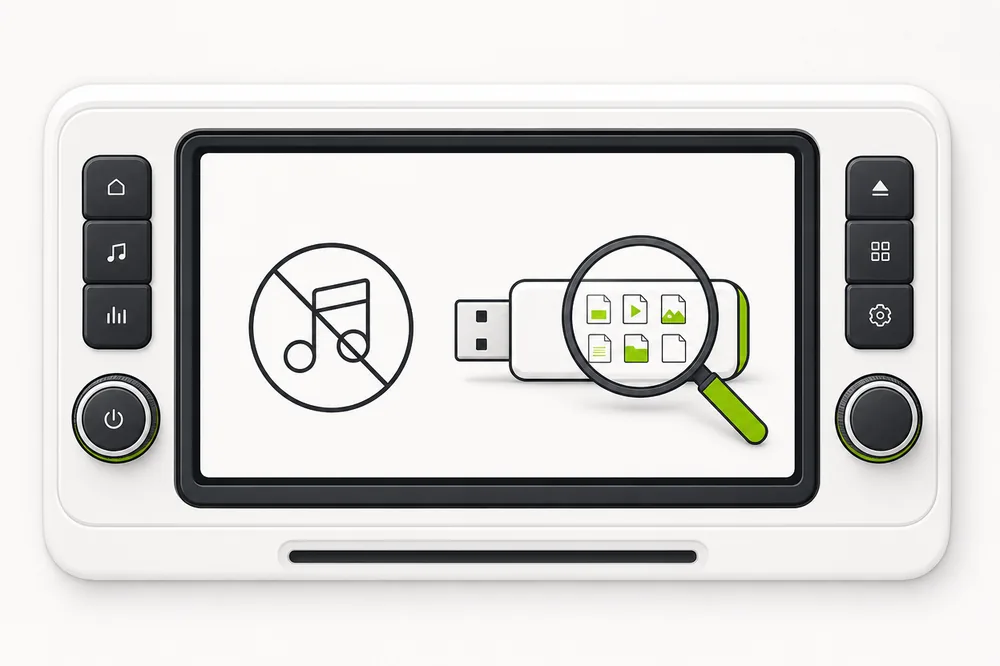
“No compatible music files found” means the radio can read the stick but none of the files on it are in a format it plays, in a place it looks. The usual culprits: a collection that's entirely FLAC or Apple Lossless, protected iTunes purchases, music buried too deep in folders, or music still inside ZIP archives. Convert to MP3 and keep folders shallow — the error disappears.
The four causes — and how to tell which is yours
1. The whole collection is in an unsupported format
Why it happens: If you ripped your CDs to FLAC or Apple Lossless, or your library lives in OGG/OPUS, a pre-2019 radio finds literally nothing it can play — hence the blanket error rather than silent skipping.
✓ The fix: Convert the collection to MP3 at 320 kbps — indistinguishable from lossless over road noise. Keep the lossless originals at home; the car copy can be MP3.
2. Protected iTunes purchases
Why it happens: Music bought on iTunes before 2009 is copy-protected M4P. Car radios can't decrypt it, and a library made of it produces exactly this error.
✓ The fix: Convert to MP3 — Apple lets you re-download many old purchases in the unprotected format, and newer iTunes files (M4A) play in most cars from ~2012 on.
3. Music buried too deep in folders
Why it happens: Radios only look a few folder levels deep — often 6–8, sometimes fewer. Music at the bottom of Music → Collection → Genre → Artist → Album → Disc can be invisible top to bottom.
✓ The fix: Move the music up: Artist → Album → songs, straight from the root of the stick. Two levels is read by everything.
4. The music is still zipped
Why it happens: Downloaded albums often arrive as ZIP files, and a stick full of ZIPs contains — as far as the radio is concerned — no music at all. More common than you'd think.
✓ The fix: Unzip everything on the computer first, then copy the resulting folders of MP3s to the stick.
USB4Car reads the error for you.
Plug in the stick, and USB4Car tells you in plain words why the car finds nothing — then converts, un-buries and reorganizes everything so the radio has plenty to play.
Diagnose it in five minutes
On the computer, with the stick plugged in:
- Look at the file endings: .flac, .m4a, .m4p, .ogg or .zip everywhere? That's your answer — convert (or unzip) to MP3.
- Check where the music sits: if you click through more than two folders to reach a song, move everything up to Artist → Album.
- Copy one known-good MP3 to the root of the stick and try it in the car — if that plays, the stick and radio are fine and it's purely a file problem.
- Convert the collection to MP3, rebuild the folders shallow, safely eject, retry.
Or skip the diagnosis.
USB4Car' free scan shows exactly which files the car can't play and why — one click fixes all of them.
Free trial shows every problem it would fix — no payment needed.
Related questions
What does “no compatible music files found” mean?
The radio can read the stick — format and port are fine — but none of the files on it are playable where it looks. It's a file problem, not a stick problem: wrong audio format, protected files, buried folders, or zipped albums.
Why does my USB music play at home but not in the car?
Computers play everything — FLAC, ALAC, OGG, deep folders, it all works at home. Car radios support a much shorter list, MP3 being the one universal constant. Convert for the car and both sides are happy.
Will converting my music to MP3 lose quality?
At 320 kbps, nothing you'll hear in a moving car. Convert once from the lossless originals (never MP3-to-MP3), keep the originals at home, and the car copy will sound excellent.
Related guides
USB not recognized in car
The radio doesn't even see the stick? That's a different error — start here.
Read the guide →Car only shows some songs
Some songs play and some are missing — the partial version of this problem.
Read the guide →Best USB format for car music
Get the stick itself right: FAT32 vs exFAT vs NTFS.
Read the guide →Hyundai skips iTunes music
Most Hyundai radios don't play AAC files at all — the Kona guide explains the silent skip.
Read the guide →Old iTunes purchases in a BMW
Protected pre-2009 files never play — the 1 Series guide covers what does.
Read the guide →