 USB music, set up right
Hyundai-specific settings
USB music, set up right
Hyundai-specific settings
Find the exact USB music settings for your Hyundai.
Pick your model. USB4Car applies its compatible format, file layout and audio settings automatically.
Choose your Hyundai model
Find your model for generation-specific USB rules, common problems, and fixes.
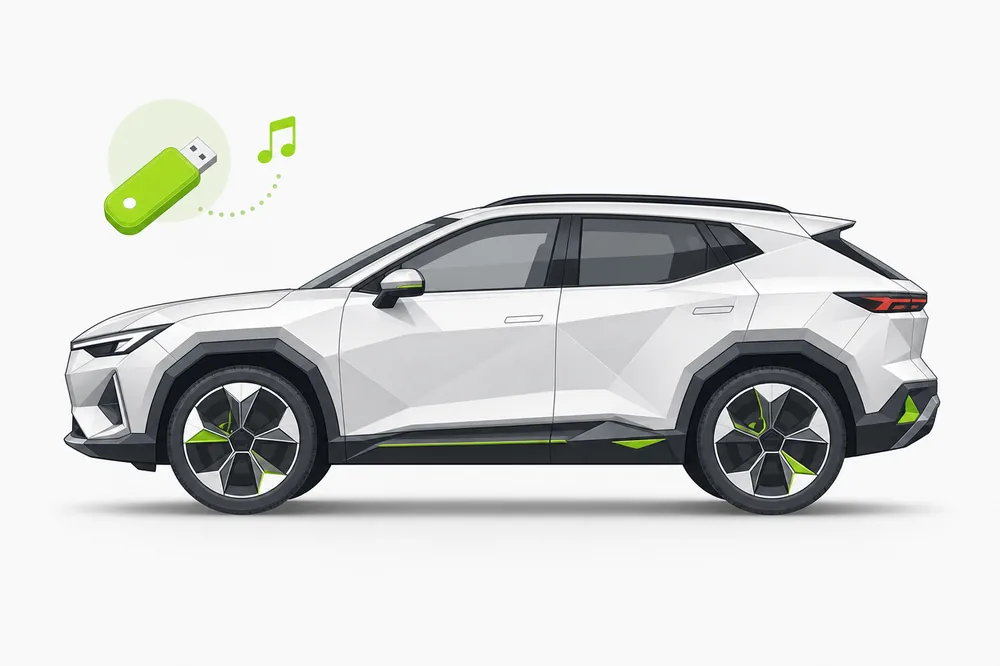
Tucson
Hyundai's bestseller and the no-playlist policy — what each Tucson actually reads. Explore the guide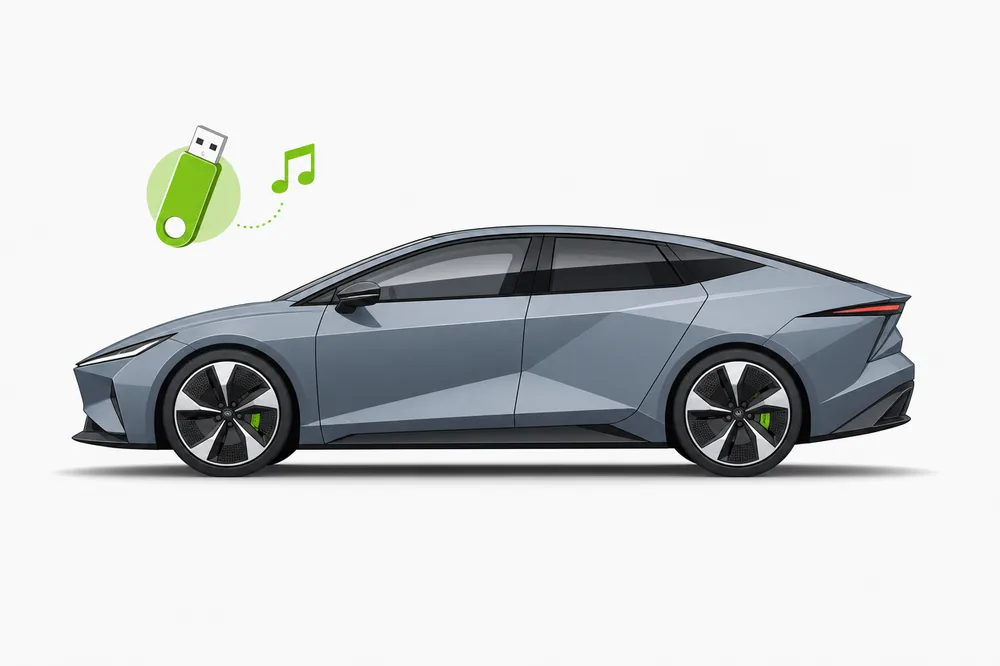
Elantra
Strict older radios, capable new ones — the Elantra's USB rules through the years. Explore the guide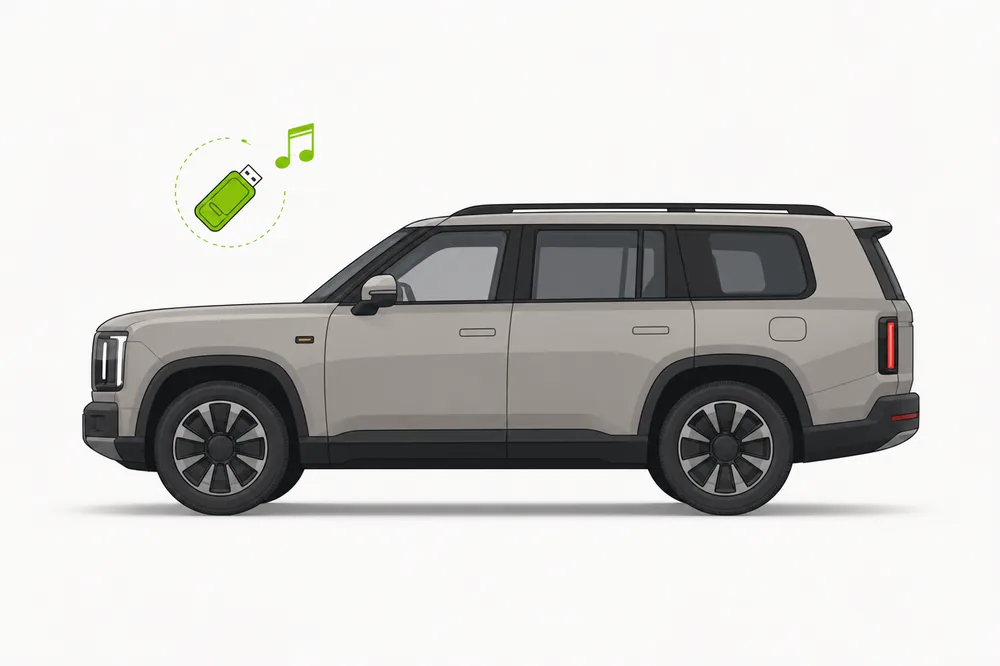
Santa Fe
Family SUV meets the 8,000-file wall — keeping everyone's music on one stick. Explore the guide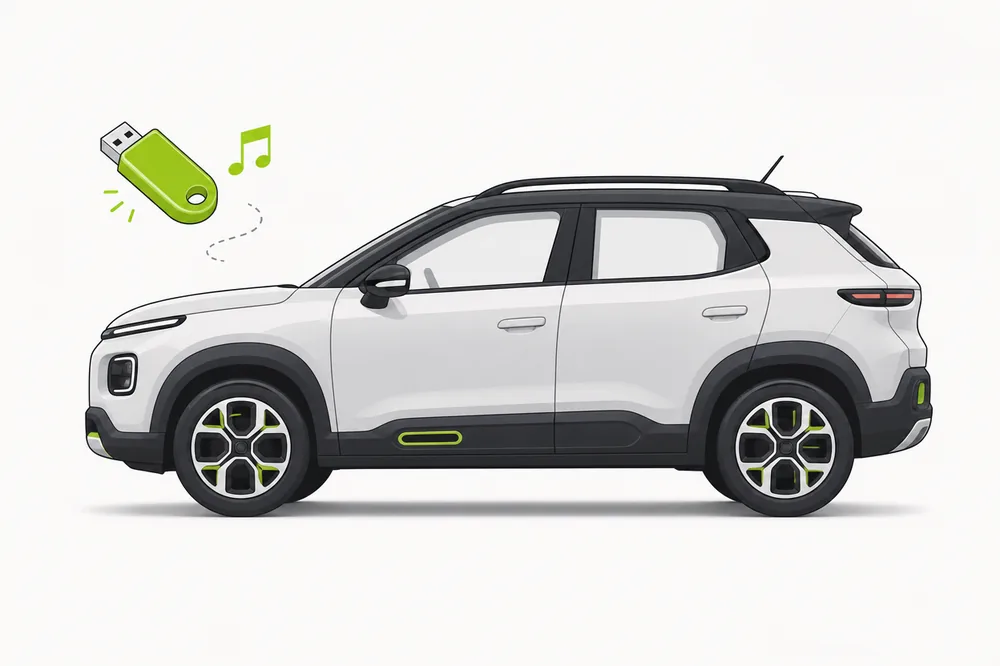
Kona
Compact crossover, modern screens — and the same quiet AAC skip as every Hyundai. Explore the guide
i30
Europe's Hyundai hatch — simple radios, strict rules, one reliable setup. Explore the guide USB4Car for Windows
Let USB4Car set it up
The right format, file layout and audio settings—prepared automatically for your car.Set the stick up as FAT32 — Hyundai's own manuals recommend it even on units that also read exFAT and NTFS. Keep music as MP3 (the universal Hyundai format; iTunes AAC/M4A files don't play on most units), stay under 8,000 files in 2,000 folders, and skip playlists — Hyundai radios ignore M3U files entirely.
My Hyundai won't play music from USB
Find your symptom — every one of these has a fix.
iTunes music is silently skipped
Why it happens: The Hyundai surprise: most units play only .mp3, .wma and .flac files. iTunes libraries are AAC (.m4a) — a format most Hyundai radios simply don't list, so whole albums vanish without an error.
✓ The fix: Convert the iTunes library to MP3 320 for the car. The newest ccNC units (2023+) are more permissive, but MP3 plays on every Hyundai ever made.
The USB stick isn't detected at all
Why it happens: Older Hyundais read FAT32 only (officially FAT12/16/32) and are picky about sector sizes; sticks over 32 GB ship as exFAT. Sticks with multiple partitions only get their first partition read — and card readers/adapters often aren't recognized at all.
✓ The fix: Use a plain name-brand stick, single partition, set up as FAT32 — Hyundai's own recommendation even on new cars. Plug it in directly, not through an adapter.
The collection cuts off partway
Why it happens: Hyundai enforces hard limits: 8,000 files and 2,000 folders per stick. File 8,001 and everything after it simply doesn't exist to the radio.
✓ The fix: Stay under 8,000 songs per stick — split bigger collections across two sticks, or trim. Folder count bites too: avoid one-folder-per-song layouts.
Playlists don't show up
Why it happens: Hyundai radios don't support playlist files — M3U, PLS and friends are ignored outright, a documented owner frustration.
✓ The fix: Recreate playlists as folders: a “Road Trip” folder with numbered copies of the songs plays exactly like the playlist would.
Some WMA files won't play
Why it happens: Hyundai's WMA support has a narrow bitrate window — 20 to 128 kbps. WMA files ripped at higher quality are skipped.
✓ The fix: Convert WMA files to MP3 once and stop thinking about bitrate windows — MP3 plays at any rate from 8 to 320 kbps.
Songs play in the wrong order
Why it happens: Hyundai radios sort by file name, ignoring track-number tags — the usual “Track 10 before Track 2” alphabetical problem.
✓ The fix: Rename files to start with two-digit track numbers (01, 02, 03 …), one album per folder.
Song titles show as “Unknown” or garbled
Why it happens: Tags in a version or encoding the unit can't parse — common with old rips and non-Latin titles on older radios.
✓ The fix: Re-save the tags as ID3v2.3 with standard encoding. USB4Car repairs every tag automatically while copying.
Skip the troubleshooting.
USB4Car applies every fix on this page automatically — set up for your exact Hyundai, in a few minutes. The free trial shows what it would fix before you pay.
What USB music formats do Hyundai cars support?
What your Hyundai plays depends on the audio system generation. Find your model years below:
Hyundai's documented limits: at most 8,000 files and 2,000 folders per stick, folders at most 20 levels deep, names up to 255 bytes. WMA files only play between 20 and 128 kbps — higher-bitrate WMA is skipped. DRM-protected files are never recognized, and only the first partition of a stick is read.
The manual checklist
Want to do it by hand? The checklist for a stick that plays in any Hyundai:
- Use a plain name-brand stick with a single partition, set up as FAT32 — Hyundai's own recommendation.
- Copy anything important off the stick first — formatting erases it.
- Convert everything that isn't MP3 to MP3 — especially iTunes (.m4a) files, which most Hyundai units won't play.
- Stay under 8,000 files and 2,000 folders; keep the layout to Artist → Album.
- Name files with two-digit track numbers first (01, 02 …) — Hyundai sorts by file name.
- Skip playlist files — build playlist folders instead.
One button instead.
USB4Car knows Hyundai's quirks — the missing AAC support, the 8,000-file ceiling, the WMA bitrate window — and prepares the stick so every song plays: right format, right limits, right order. One button, a few minutes, done.
Free trial shows every problem it would fix — no payment needed.
Hyundai USB music questions
What USB format does a Hyundai use?
FAT32 — Hyundai's manuals recommend it outright. Newer units (2019+) also read exFAT and NTFS, but FAT32 works on every generation. Only the first partition of a stick is read.
Why won't my Hyundai play iTunes music from USB?
Most Hyundai radios only play MP3, WMA and FLAC — not AAC/M4A, the format iTunes uses. The files are simply skipped. Convert the library to MP3 and every song appears.
How many songs can a Hyundai read from USB?
8,000 files in at most 2,000 folders per stick — a documented hard limit. Anything past it is invisible. Split larger collections across sticks.
Can a Hyundai play FLAC from USB?
Units from roughly 2019 on play FLAC officially (8 kbps to 4 Mbps, up to 48 kHz), and some late Gen-4 units do too. Older radios play MP3 and WMA only.
Do playlists work on Hyundai radios?
No — M3U and other playlist files are ignored, even on new models. Recreate playlists as folders with numbered song copies.
More USB music help
Not Hyundai-specific — these guides apply to every car.
USB not recognized in car
The six causes, ranked by how common they are — and the fix for each.
Read the guide →Best USB format for car music
FAT32 vs exFAT vs NTFS — the honest answer for every car age.
Read the guide →Car only shows some songs
Where the missing half of your collection went, and how to get it back.
Read the guide →Songs play in the wrong order
Why radios ignore track numbers — and the two-minute fix.
Read the guide →“No compatible music files found”
What the error really means, and the four causes behind it.
Read the guide →Make your Hyundai play everything.
USB4Car sets up the stick, converts what needs converting and fixes the rest automatically.
Browse USB music guides by manufacturer
Explore formats, limits and setup tips for other popular car brands.