 USB music, set up right
GMC-specific settings
USB music, set up right
GMC-specific settings
Find the exact USB music settings for your GMC.
Pick a model to read factory-manual-based USB music guidance for its infotainment system and model years.
Choose your GMC model
Find your model for generation-specific USB rules, common problems, and fixes.
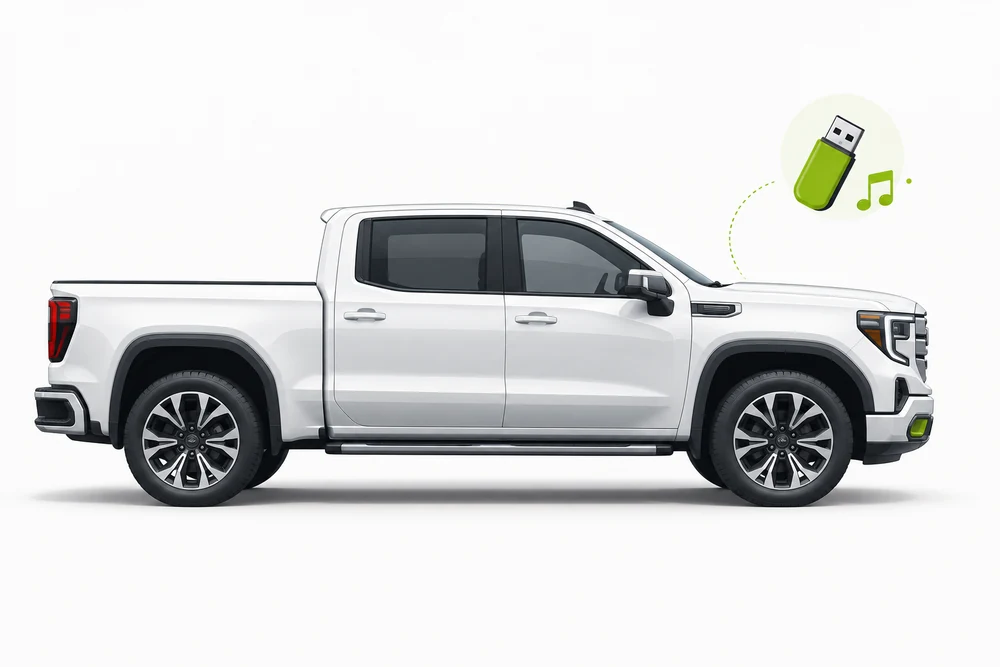
Sierra
USB audio and charging-port differences across Sierra infotainment systems. Explore the guide USB4Car for Windows
Check and prepare your music
USB4Car checks your music and prepares compatible audio files. Confirm model support in the app before setup.GMC USB audio formats and port functions change with the infotainment system. Start from the model guide for Sierra-specific details and the right factory manual.
My GMC won't play music from USB
Find your symptom — every one of these has a fix.
The USB stick charges a device but music will not play
Why it happens: Some vehicles have separate data and charge-only ports. A powered port can charge a phone without exposing USB music to the radio.
✓ The fix: Try the port identified for media in the owner's manual, then select USB from the radio's Audio, Media or Source menu.
The radio sees the stick but lists no songs
Why it happens: The radio may not support the stick's file system or audio codec, or the music may be nested too deeply.
✓ The fix: Try an unpartitioned FAT32 flash drive with a few MP3 files in a simple folder. Confirm the exact system's supported formats in its factory manual.
Only some songs appear or play
Why it happens: Mixed audio formats, unsupported tags and large folder trees can make the radio skip files while indexing.
✓ The fix: Test with a small MP3-only folder first. Add the rest of the library once the radio recognizes that test folder.
Skip the troubleshooting.
USB4Car can check your music and prepare compatible audio files. Confirm your exact model is supported in the app before choosing vehicle-specific settings.
What USB music formats do GMC cars support?
The exact radio and USB port vary by model year and trim. Use the model guide for the manual-backed details; MP3 on a FAT32 stick is a useful first check when the radio is unclear.
Treat FAT32 and MP3 as a compatibility starting point, not a promise that every port, radio or model year has the same capacity and codec support. Check the factory manual for the selected vehicle.
The manual checklist
Start with these checks, then use the specific GMC model guide above for year and system differences:
- Use the vehicle's media/data USB port, not a charge-only port.
- Try an unpartitioned FAT32 flash drive with MP3 files.
- Keep the first test small and place the songs in one shallow folder.
- Select USB in the car's Audio, Media or Source menu.
- Check the owner's manual before using larger drives or less common formats.
One button instead.
USB4Car can prepare and check a music stick for your GMC using the vehicle profile available in the app.
Free trial shows every problem it would fix — no payment needed.
GMC USB music questions
What file system does a GMC USB radio use?
It depends on year and system. A 2019 Sierra manual lists FAT16, FAT32 and exFAT, while FAT32 is a useful first test for other radios.
Can every GMC play FLAC from USB?
No. Codec support depends on the specific infotainment system. Check the manual for your GMC model year and trim.
Why does my GMC USB port charge but not play audio?
Some USB ports are for charging only. Use the manual's media/data port and select USB in Audio or Media.
More USB music help
Not GMC-specific — these guides apply to every car.
USB not recognized in car
The six causes, ranked by how common they are — and the fix for each.
Read the guide →Best USB format for car music
FAT32 vs exFAT vs NTFS — the honest answer for every car age.
Read the guide →Car only shows some songs
Where the missing half of your collection went, and how to get it back.
Read the guide →Songs play in the wrong order
Why radios ignore track numbers — and the two-minute fix.
Read the guide →“No compatible music files found”
What the error really means, and the four causes behind it.
Read the guide →Check and prepare your music.
USB4Car can check your music and prepare compatible audio files. Confirm app support for your exact model before choosing vehicle-specific settings.
Browse USB music guides by manufacturer
Explore formats, limits and setup tips for other popular car brands.